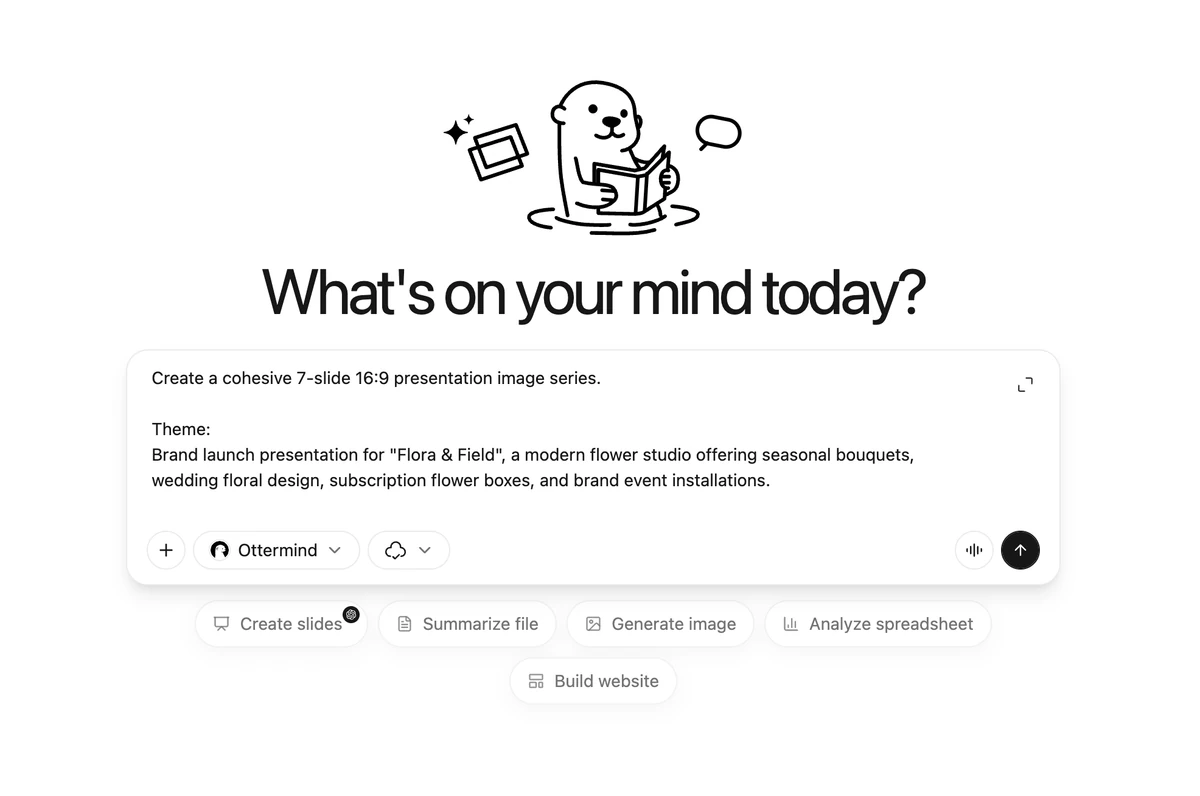
AI PPT Generator — Say It, Slide It
Ottermind is an AI PPT generator: tell it what you want to present, and GPT Image 2 turns your idea into editable PowerPoint (PPT) slides with clear structure and polished visuals.
Choose a template

Cinematic Anime

Cyberpunk Neon
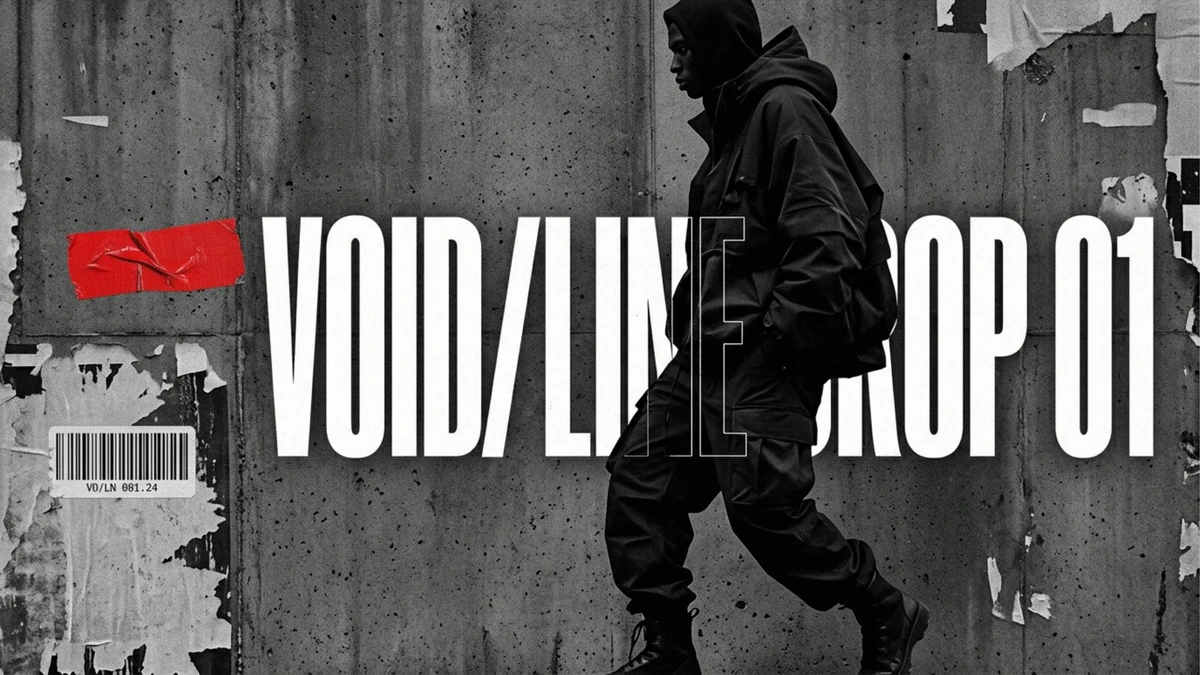
Neo-Brutalist
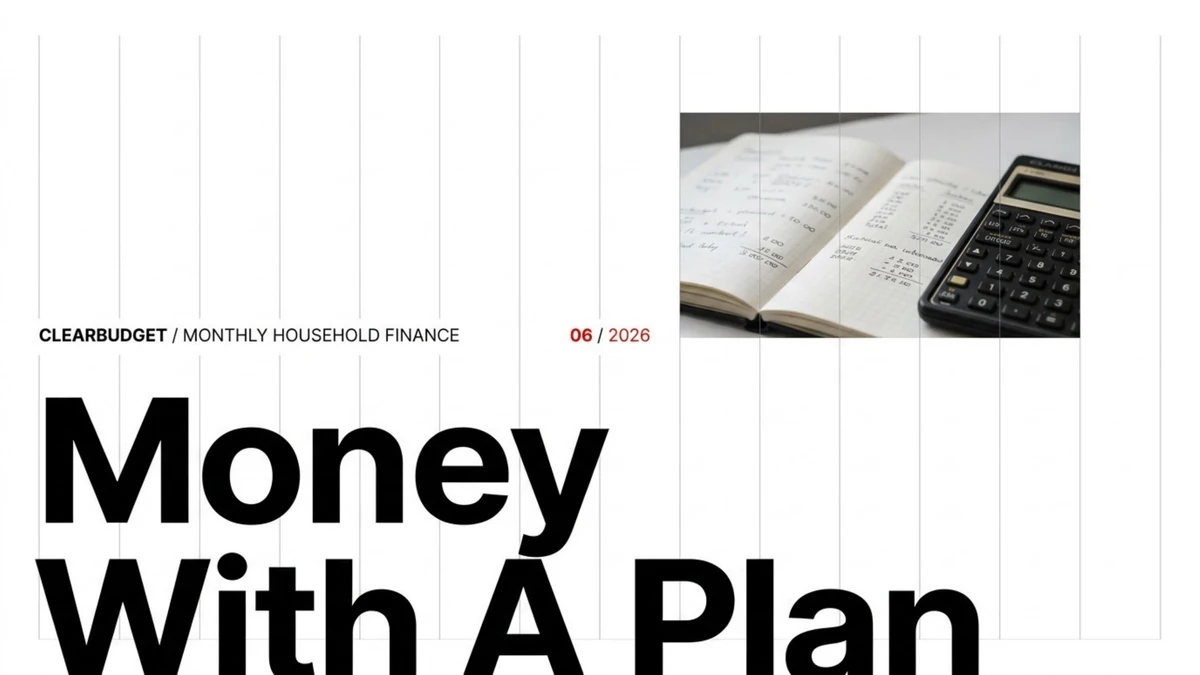
Swiss Minimal
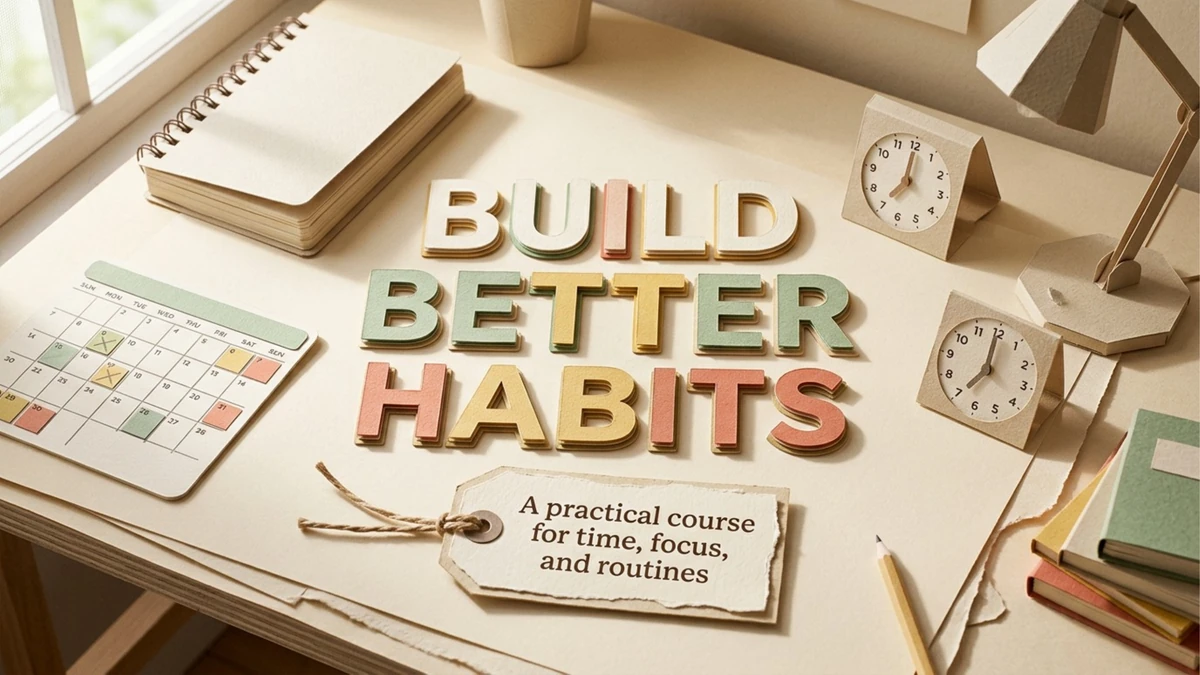
Layered Paper Cut

Photorealistic
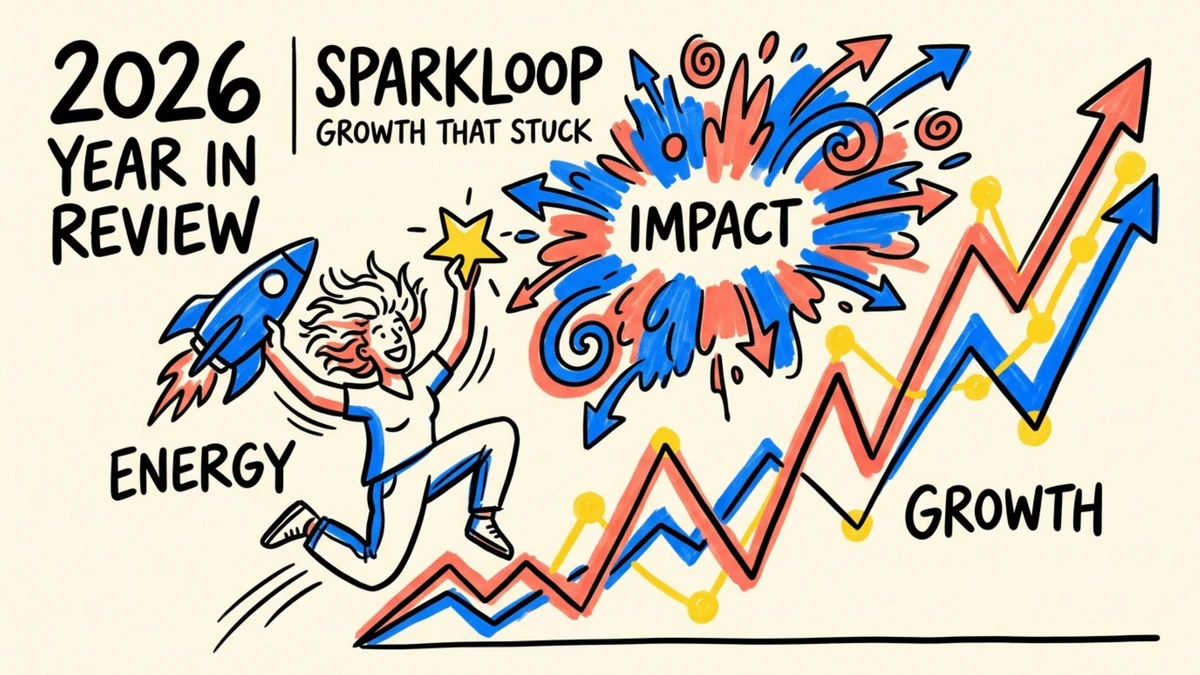
Vivid Hand-Drawn

Memphis Pop
What Is an AI PPT Generator?
An AI PPT generator turns a plain description, a document, or a link into a finished slide deck. Instead of opening PowerPoint and building every page by hand, you tell Ottermind what you want to present, and it plans the structure, drafts the copy, and designs each slide for you.
Ottermind is built on GPT Image 2. It reads your topic or source material, maps out a clear page-by-page narrative, and generates PowerPoint (PPT) slides with readable text, consistent layouts, charts, and polished visuals. Because the whole deck is generated as one connected system, every page shares the same type, colors, and image style — so you never end up with a stack of mismatched slides.
Use it to create pitch decks, product explainers, marketing slides, training material, research summaries, and class presentations. Describe the deck, review the result, and keep refining it until the presentation is ready to share or download.
You are not limited to typing from scratch. Paste an outline, drop in a long report, or share an article, podcast, or YouTube link, and the tool reads the source, pulls out the key points, and shapes them into a coherent narrative. That makes it as useful for summarizing dense material as it is for building a deck around a single idea, which is why teams reach for it when a blank slide feels like the hardest part of the job.
Why Use the Ottermind AI PPT Generator?
The Ottermind AI PPT generator turns your idea into a connected PowerPoint deck, not a pile of separate slide images. Every page is planned as part of the same story, so the flow, styling, and messaging hold together from the cover to the closing call to action.
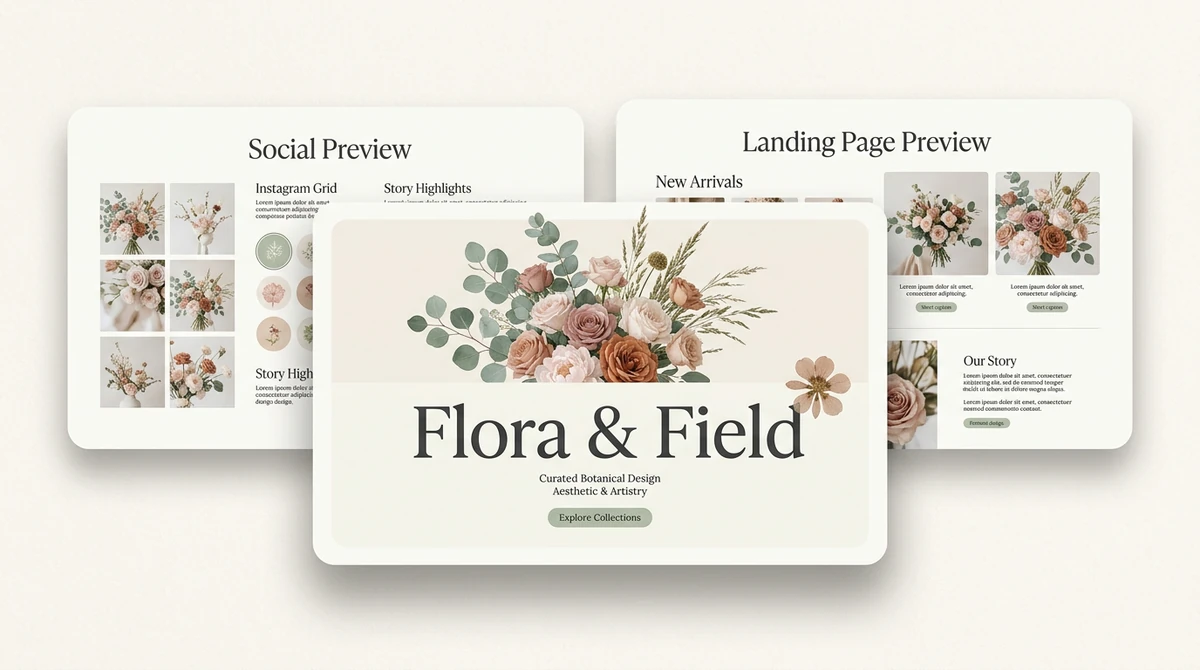
Consistent PPT Slide System
A unified deck with matching layouts, type, colors, image style, and visual rhythm across every page, so nothing looks stitched together from unrelated images.
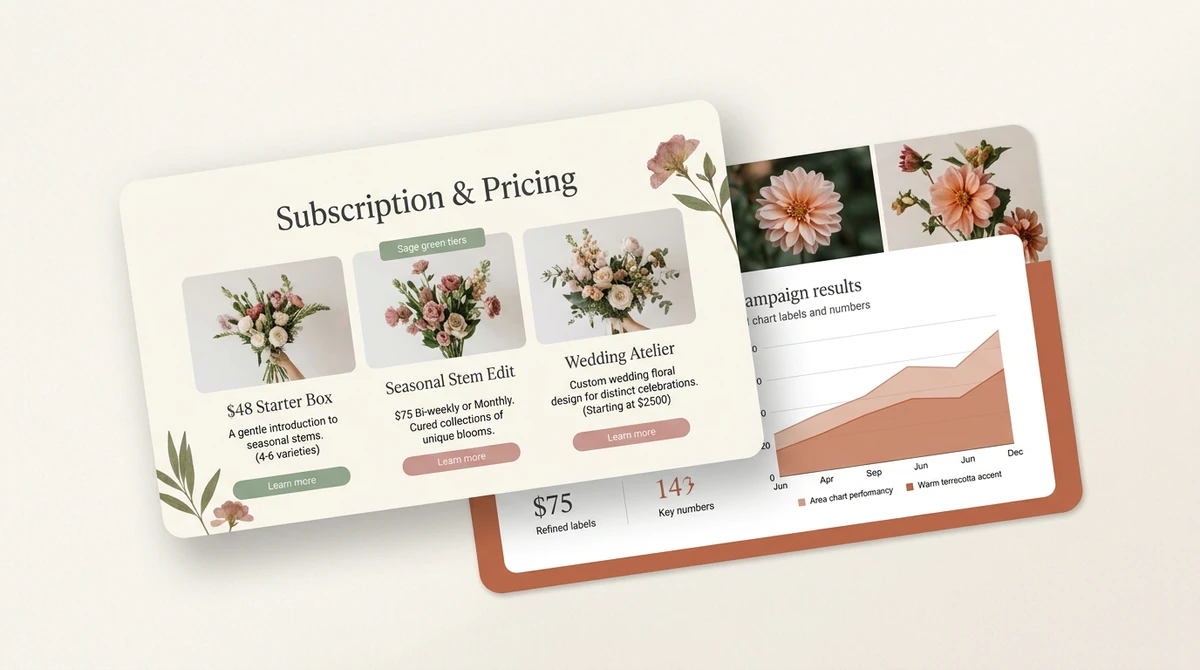
Designed With Real Content
Text, charts, metrics, labels, and imagery are arranged together on each slide, not bolted on afterward, so the data and the design reinforce the same point.
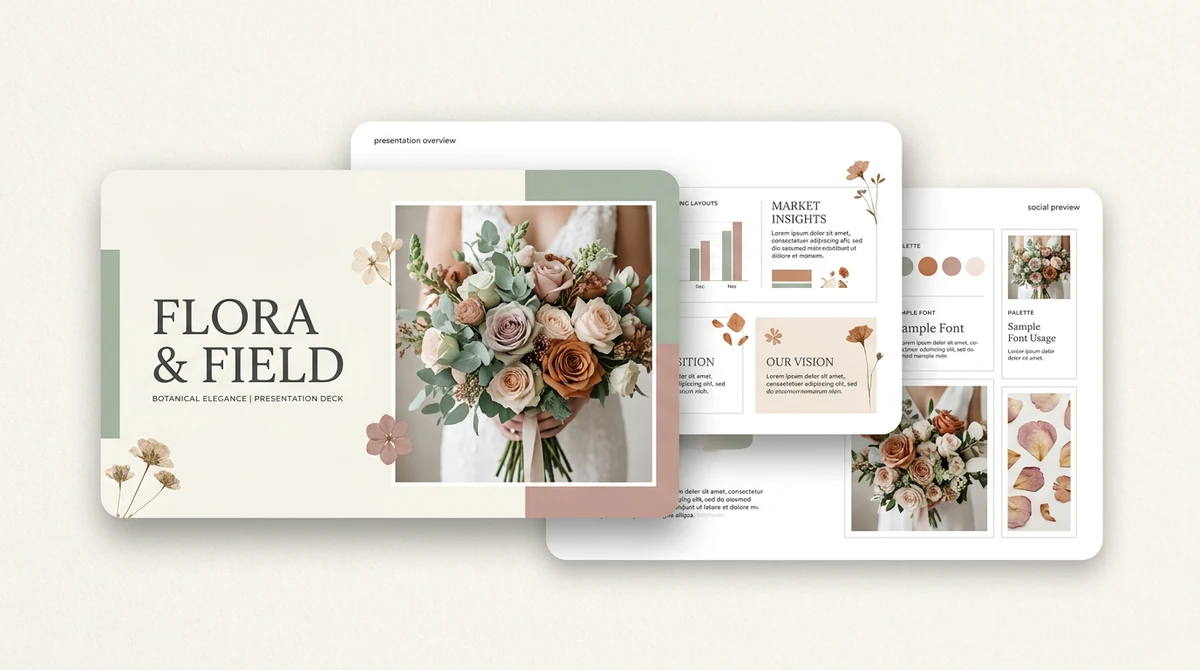
Brand System Built In
Covers, overview pages, style samples, palettes, imagery, and reusable layouts stay connected as one deck system you can carry into the next presentation.
Need a quotation-led visual inside the deck? Use the AI quote generator to draft or verify the wording first. For a wider tool comparison, see the best AI presentation makers.
Why GPT Image 2 Makes Better PPT Slides
PPT slides need readable text, clean layouts, and visuals that explain ideas. GPT Image 2 is stronger at the details that make each PowerPoint page usable — legible headings, aligned columns, and charts that stay in place — so you get slides you can actually present instead of decorative images that fall apart on a projector.
GPT Image 2
Built for visual slides
General image models
Built for standalone images
Readable text
Strong5/5
Unreliable2/5
Slide layouts
Strong5/5
Inconsistent2/5
Diagrams
Better4/5
Limited2/5
Realistic visuals
Strong5/5
Varies3/5
Presentation fit
Slide-ready5/5
Image-first2/5
Three Steps From Idea to Finished PPT
Say the idea, let Ottermind build the slide flow, then download your PowerPoint (PPT) deck — no templates to wrestle with and no manual layout work.
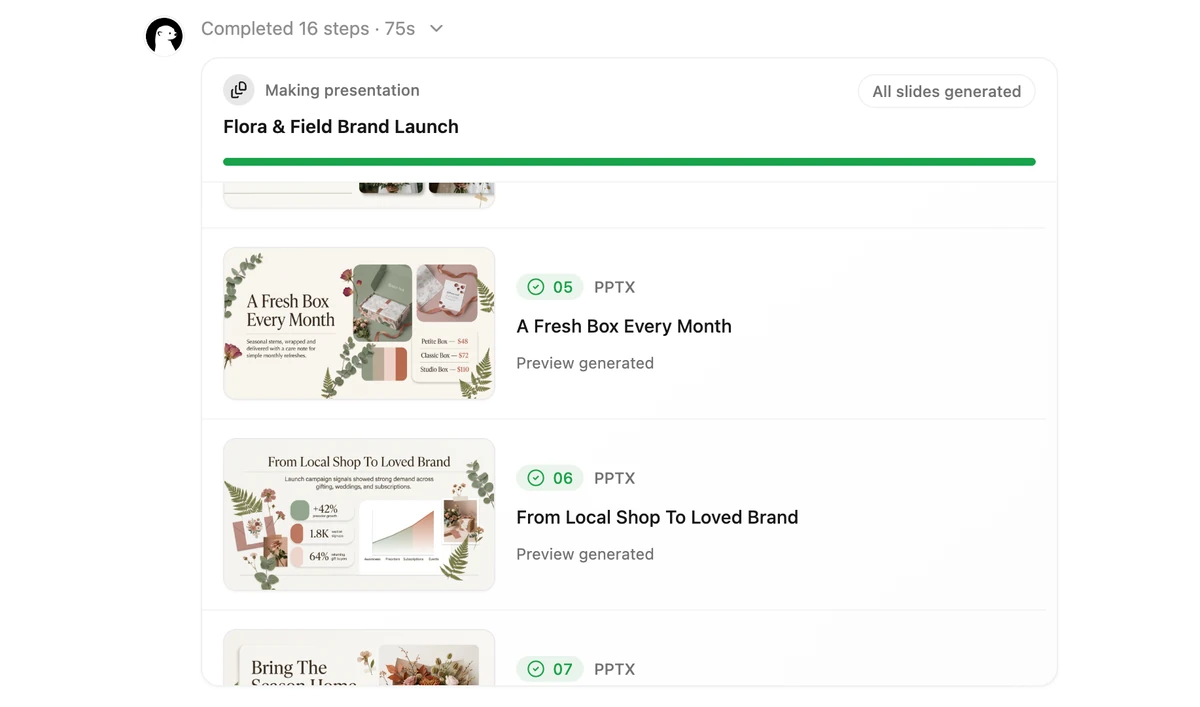
2. Watch the AI PPT generator build your deck

3. Download Your PPT Deck
See What the AI PPT Generator Can Create
Browse real example PPT pages created with Ottermind across different visual styles.
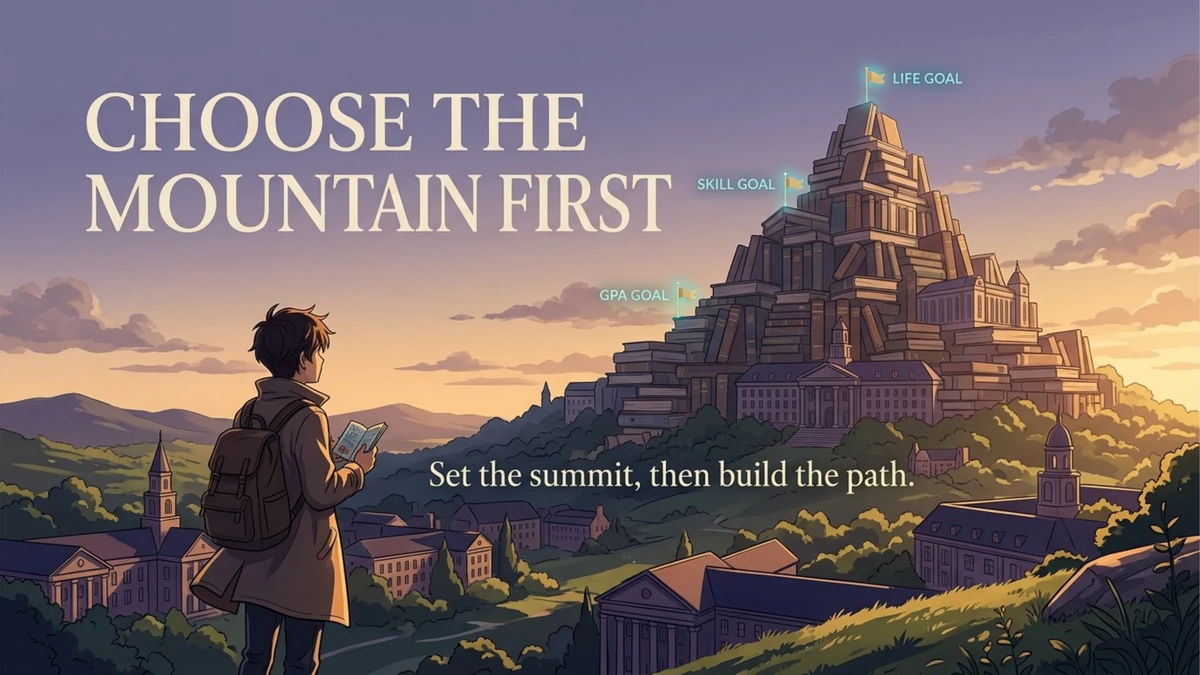
Page 2
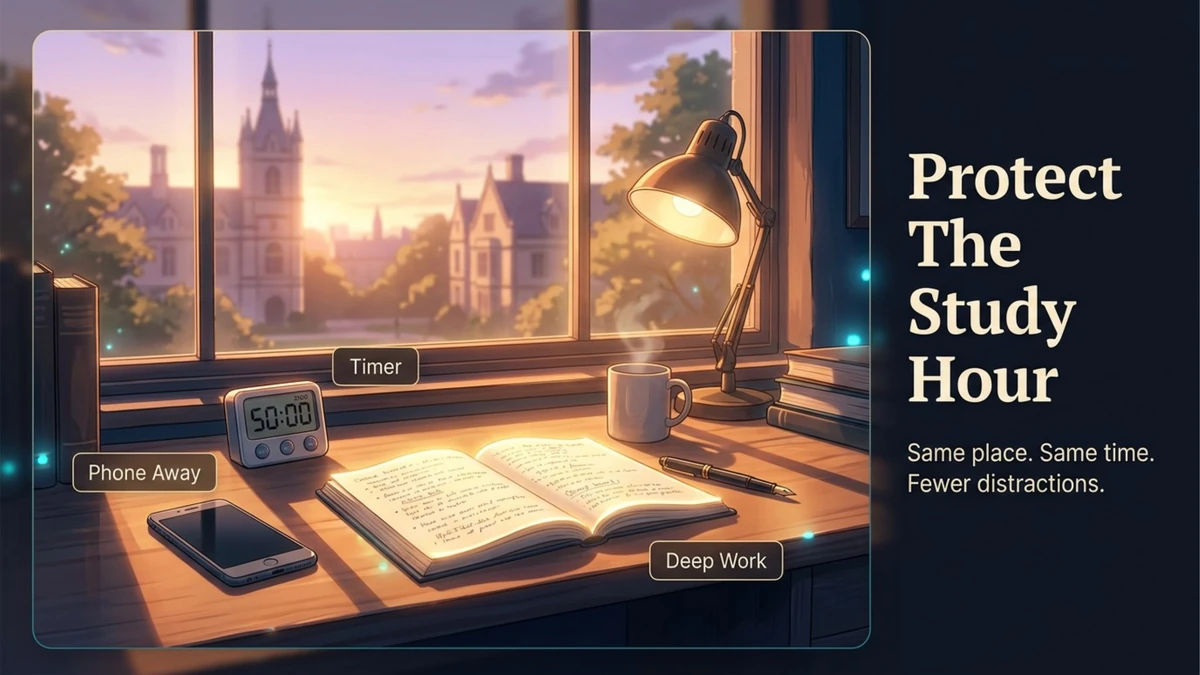
Page 3

Page 4

Page 5
Frequently Asked Questions
Can Ottermind create PPT slides with GPT Image 2?
Yes. Ottermind is an AI PPT generator that uses GPT Image 2 to build visual slides from your prompt, documents, ideas, or research materials. It creates the structure, page copy, and image-rich PPT slides in one workflow.
What kinds of PPT slides can I make?
You can use the AI PPT generator to create pitch decks, product explainers, marketing slides, training materials, research summaries, class presentations, and visual reports. It works best when you want polished, image-led PPT slides instead of plain text layouts.
Can I turn a document or topic into a PPT?
Yes. Give the AI PPT generator a topic, outline, pasted text, or source material, and it turns it into a PPT deck with a clear narrative, page-by-page structure, and visuals generated with GPT Image 2.
Are the PPT slides editable after generation?
Yes. You can keep asking the AI PPT generator to revise the deck, change the style, rewrite sections, regenerate visuals, shorten the presentation, or expand it into more PPT pages.
How is this AI PPT generator different from a normal AI image generator?
A normal image generator creates individual images. Ottermind is an AI PPT generator that handles the full presentation workflow: understanding the task, organizing the deck, writing slide content, generating visuals, and iterating toward a usable PPT.
Do I need design skills to use the AI PPT generator?
No. Describe what you want to present and the style you prefer, and the AI PPT generator handles the structure, wording, and visuals, so you can start from an idea instead of a blank PPT.
Ready to Build Your PPT?
Tell the Ottermind AI PPT generator what to present and get structured PowerPoint (PPT) slides.