Selection Guide
8 Best AI Document Analysis Tools in 2026
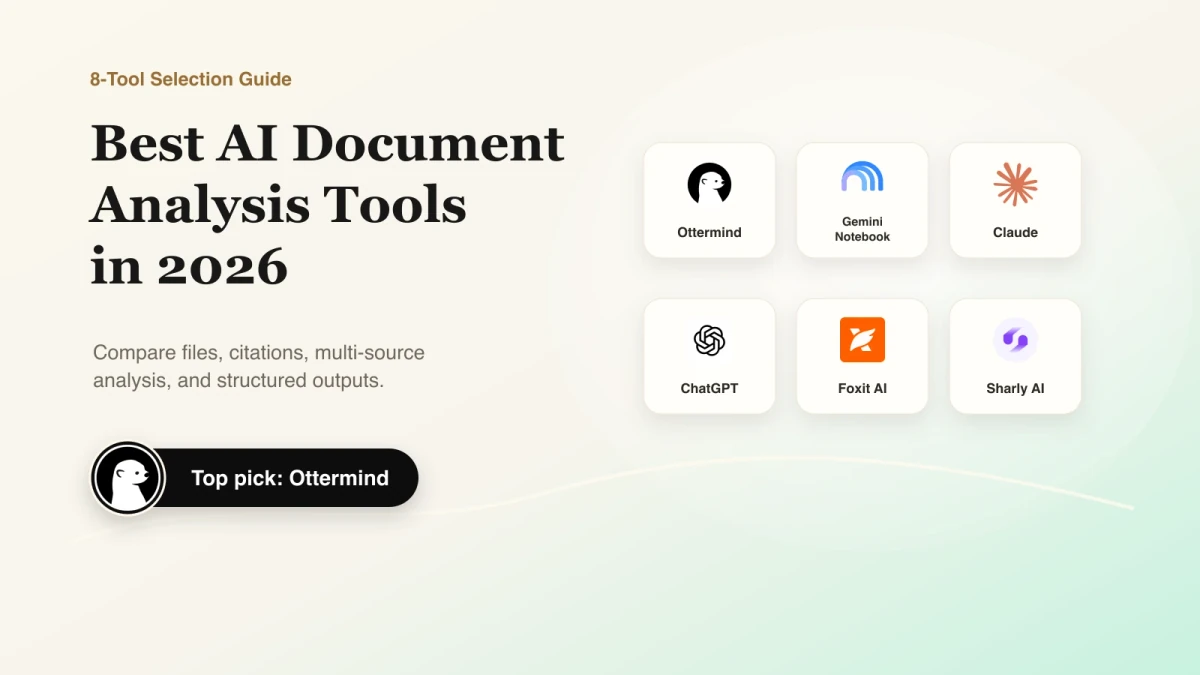
The best AI document analysis tools do more than summarize a PDF. They help you ask questions across source files, extract specific facts, compare documents, check citations, and turn findings into a usable table, memo, report, or presentation.
Choose Gemini Notebook (formerly NotebookLM) for source-grounded research, Claude for careful work with long text-heavy files, ChatGPT for general-purpose analysis, Adobe Acrobat AI Assistant or Foxit AI for PDF-centered workflows, Sharly for multi-document comparison, and Hebbia for high-stakes enterprise review. Ottermind is the strongest fit when document analysis is one step in a larger workflow that must end in finished work.
Public information was reviewed July 17, 2026. No controlled accuracy benchmark was run; verify limits with representative files.
Best AI document analysis tools at a glance
| Tool | Best for | Verification and output | Starting point | Main limitation |
|---|---|---|---|---|
| Ottermind | Source material to finished work | Reports, decks, content, and other deliverables | Verify current plan | Public file and citation limits need confirmation |
| Gemini Notebook | Source-grounded research | Inline citations; briefings, tables, and overviews | Standard access | Imports may lose comments or footnotes |
| Claude | Long, text-heavy documents | Detailed analysis and drafts | Free and paid plans | Visual PDF analysis has conditions |
| ChatGPT | General analysis plus data tools | Tables, charts, code, and drafts | Free and paid plans | Tools and caps vary by plan |
| Adobe Acrobat AI Assistant | PDF-native review | Source citations and shared PDF Spaces | From $4.99/month | Primarily an Acrobat workflow |
| Foxit AI | PDF analysis plus utilities | Citations, extraction, summaries, translation | 20 free credits/month | Credits can interrupt frequent use |
| Sharly AI | Multi-document comparison | Page-linked citations and conflict checks | Free entry | More workflow than casual users need |
| Hebbia | High-stakes enterprise review | Audit trails, grids, and diligence outputs | Custom | Enterprise-focused |
How to evaluate an AI tool for document analysis
Use the same task with every shortlisted product. Upload a long PDF, an editable document, and two files that disagree. Ask the tool to:
- Answer a narrow question with its supporting passage.
- Extract consistent fields into a table.
- Mark agreements, conflicts, missing data, and uncertainty.
- Create a usable one-page memo.
Record omissions, unsupported claims, broken citations, formatting loss, and usage limits. A polished summary is not enough if the tool cannot show where an answer came from or keep sources separate. General assistants, research workspaces, PDF suites, and API-based document processing platforms overlap, but they do not solve the same job.
1. Ottermind: best for turning document context into deliverables
Ottermind is an AI workspace for work that continues after the first answer. Files, links, notes, and a brief can provide context for reports, presentations, and campaign materials.
Choose Ottermind when deliverables matter as much as reading. Confirm file formats, upload size, multi-file limits, and citation behavior before relying on them. If you only need a citation-rich reader, a dedicated research or PDF tool may be more direct.
2. Gemini Notebook: best for source-grounded research
Gemini Notebook, formerly NotebookLM, answers questions against a defined source set. Google lists PDF, DOCX, PPTX, CSV, Google files, web pages, images, and audio. Standard access allows 50 sources per notebook, each up to 200 MB or 500,000 words.
Its main advantage is verification: answers include inline citations, and users can select which sources participate. Choose it for literature reviews, policy research, and evidence-backed synthesis. Google notes that comments and footnotes from Google files are not imported.
3. Claude: best for long text-heavy documents
Claude suits close reading, nuanced summaries, and drafting. Anthropic lists PDF, DOCX, CSV, TXT, HTML, ODT, RTF, EPUB, JSON, and XLSX when analysis is enabled.
Claude currently allows up to 20 files per chat and 30 MB per file. Supported models can analyze visual elements in PDFs under 100 pages; longer PDFs and non-PDF documents may be text-only. Choose it when careful explanation and writing quality matter, and verify high-stakes conclusions against the original.
4. ChatGPT: best general-purpose document analyst
ChatGPT connects document work to spreadsheets, code, charts, research, and drafting. OpenAI supports common documents, presentations, and PDFs, with published limits of 512 MB and two million tokens per text document.
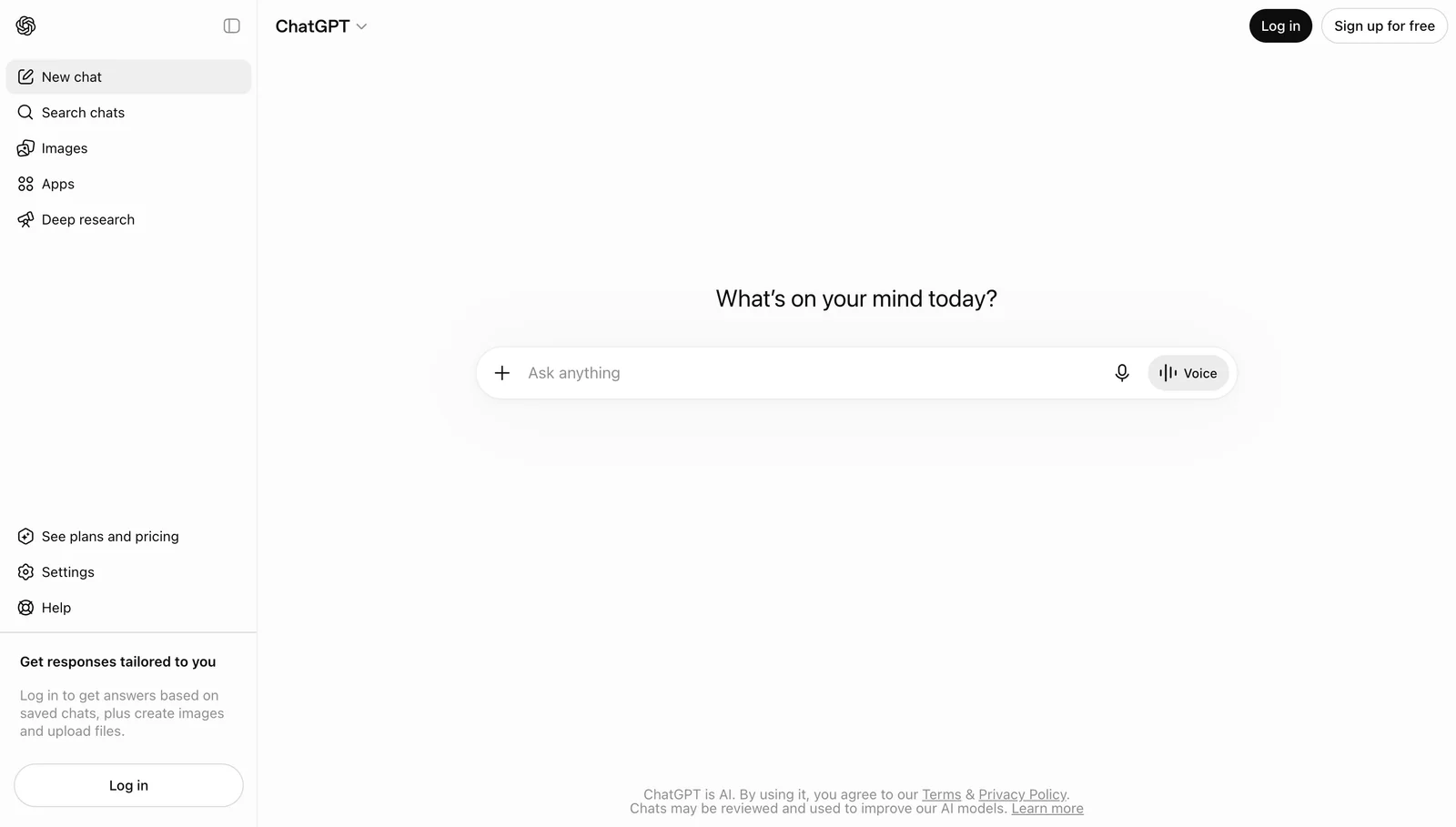
It can synthesize files, find sections, extract data, and create new analysis. The tradeoff is that it is a broad assistant rather than a purpose-built review interface. Choose it for flexible work beyond reading; choose a research tool when persistent source organization and page navigation are central.
5. Adobe Acrobat AI Assistant: best for PDF-native review
Adobe puts AI inside a PDF workflow. AI Assistant cites source sections, while PDF Spaces combines PDFs, links, and text in shareable workspaces of up to 100 files.
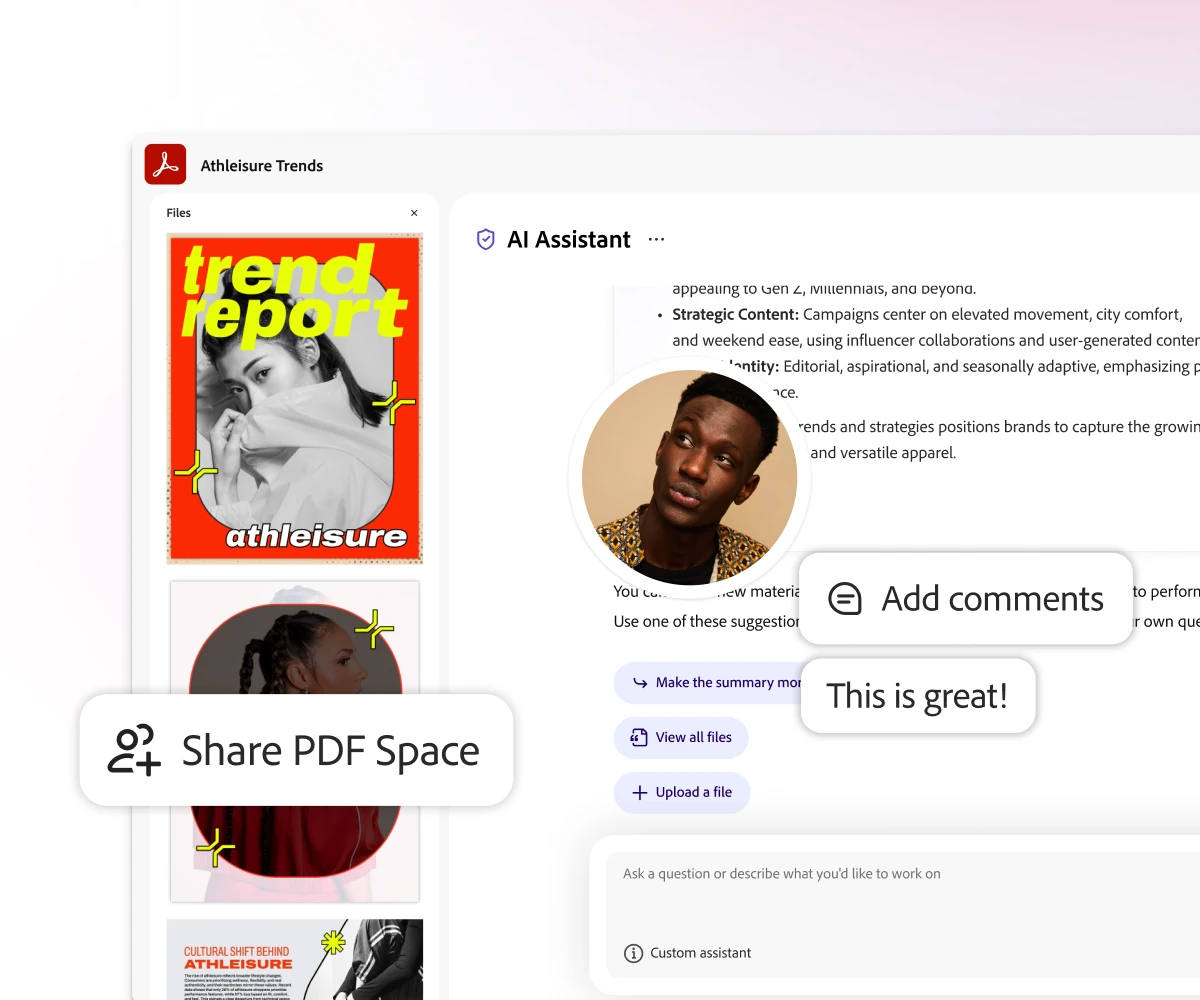
The AI Assistant add-on starts at $4.99 per month in Adobe's published US offer. Choose Adobe when PDF reading and collaboration are central; it is less compelling for broader workflows across many output types and external tools.
6. Foxit AI: best for PDF analysis plus document utilities
Foxit combines chat, citations, extraction, contract review, and PDF tools. Its Research Agent organizes multi-file findings into consistent sections.
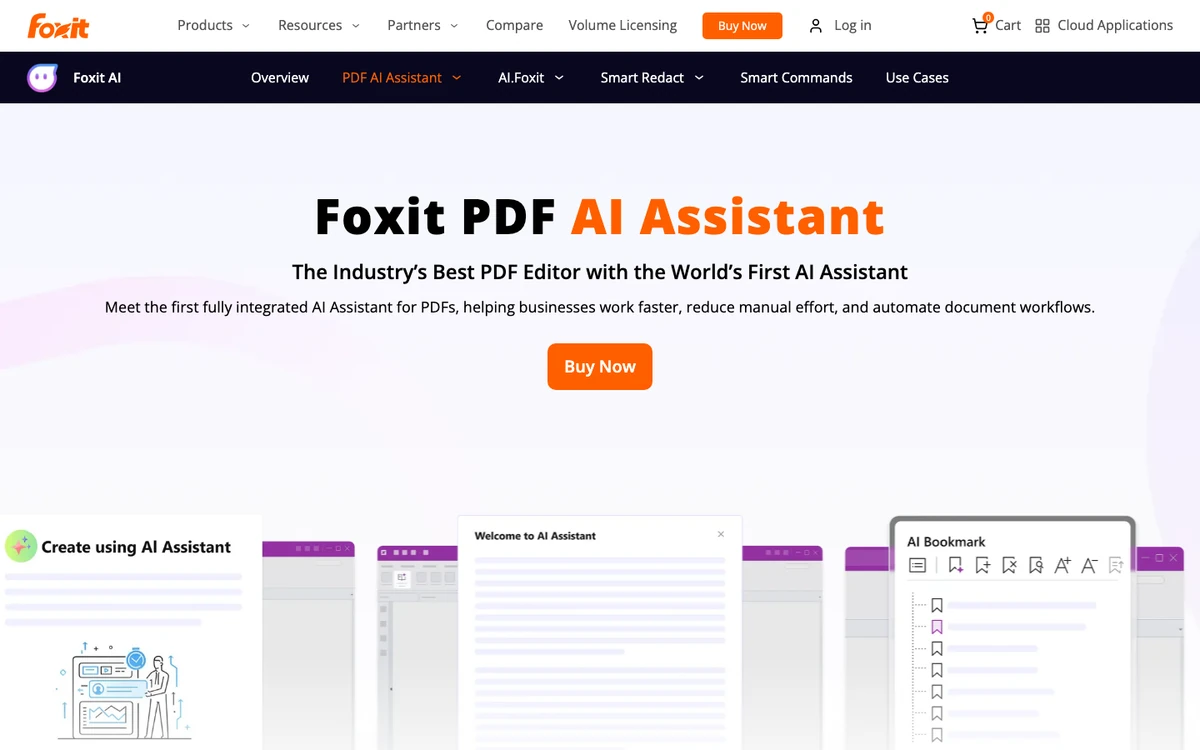
Foxit's published limits allow up to 10 files, with PDFs capped at 25 MB and 120 pages. A free account includes 20 AI credits per month; paid AI access provides 2,000. Choose it when analysis must sit beside PDF editing, OCR, conversion, and version comparison.
7. Sharly AI: best for multi-document comparison and citations
Sharly supports PDF, DOCX, XLSX, PPTX, links, Google Docs, and Notion. It compares metrics and identifies matches, conflicts, and missing data across documents.
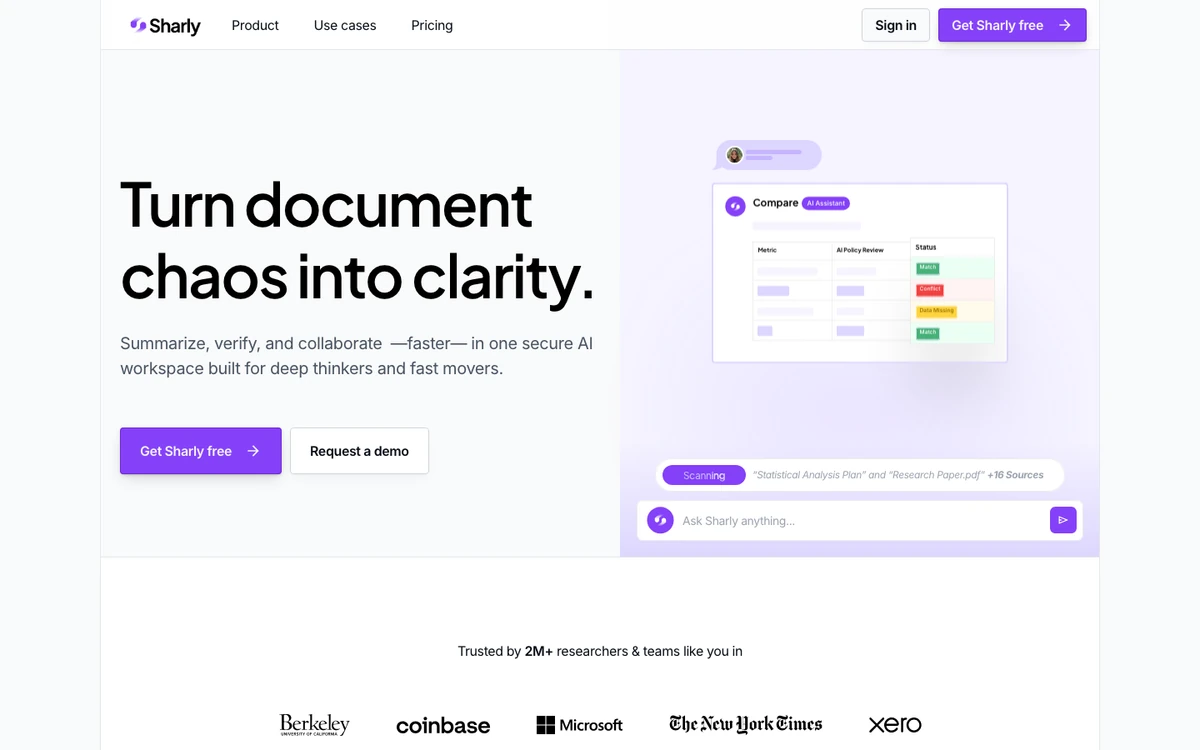
Sharly presents page-linked evidence and formatted citations, while shared workspaces add collaborative questions and source checking. Choose it for literature review, policy comparison, or research synthesis. For one occasional PDF, it may add more workflow than needed.
8. Hebbia: best for high-stakes enterprise document analysis
Hebbia is built for large, sensitive document collections in finance, legal, and diligence workflows. Its grid interface applies questions across documents, while inline citations and audit trails link findings to source lines, cells, or passages.

Choose Hebbia when teams must extract consistent information across many filings, agreements, or data-room documents and defend every conclusion. Custom pricing and specialized positioning make it excessive for casual summaries.
Which document analysis workflow fits you?
- For cited research across many source types, start with Gemini Notebook or Sharly.
- For careful analysis and drafting from long text files, test Claude. For a model-level comparison, see the best AI models in 2026.
- For documents plus data analysis, code, charts, and general creation, use ChatGPT.
- For PDF-centered reading, editing, and sharing, compare Adobe Acrobat AI Assistant and Foxit AI.
- For controlled enterprise review across large collections, evaluate Hebbia.
- For analysis that must continue into reports, decks, content, or other finished work, try Ottermind with a real project brief. For a broader workspace comparison, see the best AI agent workspaces.
OCR and Document AI platforms belong on a different shortlist. Choose products such as Google Cloud Document AI when the task involves scanned forms, classification, structured extraction at scale, APIs, and downstream databases rather than interactive knowledge work.
Test with your own files before subscribing
Use a clean PDF, a file containing tables or images, and two sources with one deliberate conflict. A suitable product should identify uncertainty, preserve source boundaries, produce a usable output, and make verification faster. Do not upload sensitive material until you have checked retention, training, encryption, access-control, and deletion policies.
Frequently asked questions
What is the best AI for document analysis?
Gemini Notebook is a strong default for cited research. Claude and ChatGPT suit broader analysis, Adobe and Foxit fit PDF workflows, Sharly fits comparison, Hebbia fits enterprise review, and Ottermind fits work that must become a larger deliverable.
Can ChatGPT analyze PDF and Word documents?
Yes. OpenAI supports common document formats, including PDFs and Microsoft Word files. Upload and tool limits vary, so check the current plan and verify important answers against the source.
Is there a free AI for analyzing documents?
Gemini Notebook provides standard access, and several tools offer free plans, trials, or credits. Free access usually includes source, file, chat, or monthly limits.
Which AI can compare multiple documents?
Gemini Notebook, Claude, ChatGPT, Adobe PDF Spaces, Foxit, Sharly, and Hebbia support multi-source work in different forms. Compare their limits, citations, and treatment of conflicting sources.
What is the difference between AI document analysis and OCR?
OCR converts scanned text into machine-readable content. AI document analysis uses content to answer questions, summarize, compare, extract, or create outputs. Enterprise Document AI platforms often combine OCR with classification, extraction, APIs, and automation.
Can AI document analysis be trusted for legal or financial work?
It can accelerate review but should not be the final authority. Require evidence, preserve original files, and have a qualified person verify consequential conclusions.
Turn source material into finished work
When your task must continue beyond a summary, bring the available files, links, constraints, and required output into Ottermind. Use a source-grounded prompt structure to state what must be extracted, how conflicts should be handled, and what the final deliverable should look like. For receipt-heavy expense records, use the AI receipt tracker to organize extracted fields, totals, and uncertain values for review. Then review the result against the original sources, or continue into an AI presentation workflow when the findings need to become a deck.
Sources reviewed: Google Gemini Notebook Help, Anthropic document upload guidance, OpenAI File Uploads FAQ, Adobe PDF Spaces FAQ, Foxit AI pricing and limits, Sharly AI, Hebbia document analysis guide, and current Ottermind Marketing product references.
